
Best Animation Software to Learn in 2026 for a High-Paying Job in India

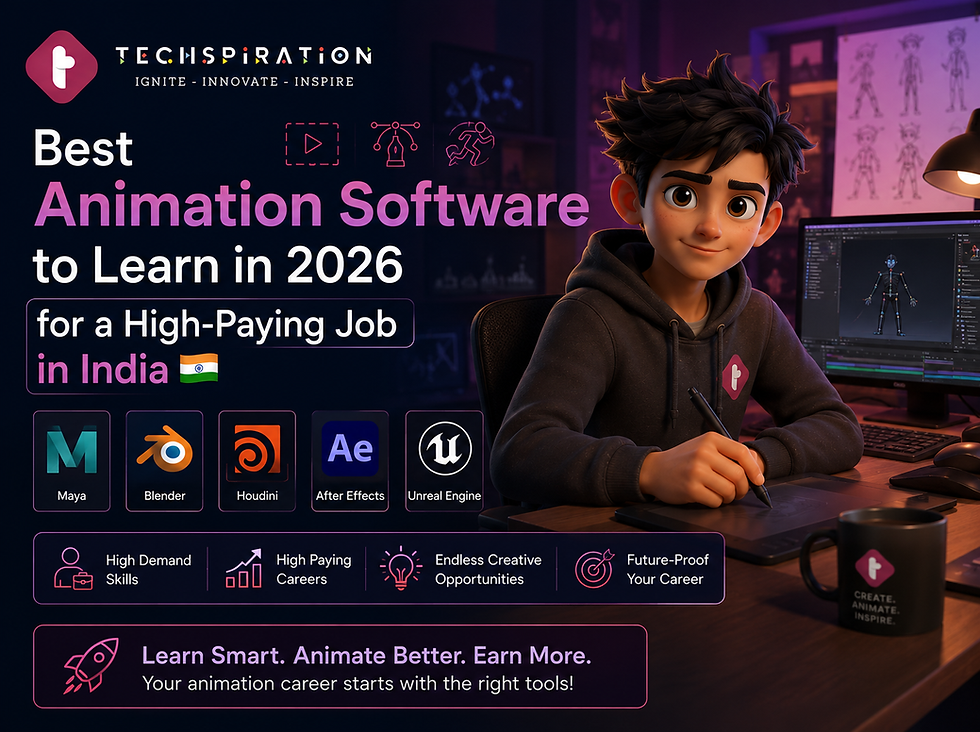
Which animation software should you actually learn first? Because learning the wrong one wastes 6 months of your life.
This is the most practical question any animation student can ask. And it is one that most course websites refuse to answer honestly because they teach what they have licenses for, not what studios are actually hiring for.
The best animation software to learn in India in 2026 depends entirely on which career path you are building. A film VFX artist and a gaming animator use completely different tools. Knowing this before you start saves you months of wasted effort.
India's Animation and VFX market is projected to reach USD 2.2 billion by 2026.
The global market crossed USD 220 billion. Studios are hiring, but they have very specific tool requirements. Here is the honest breakdown.
Best Animation Software to Learn: By Career Path

The following are the best animation software:
1. Maya (Autodesk) - The Industry Standard for Film and TV VFX
If you want to work in film, television, or OTT post-production, Maya is non-negotiable. It is the industry standard for 3D modeling, rigging, character animation, and rendering at professional studios worldwide.
Studios like Prime Focus, Technicolor India, and DNEG (which has six studios in India including one in Trivandrum launched 2023) use Maya as the foundation of their production pipeline. Learn Maya with Techspiration opens the door to compositing, rigging, FX, and technical director roles.
Job roles requiring Maya: 3D Animator, Character Rigger, FX Artist, Technical Director
Salary range for Maya-proficient artists: INR 3.5 LPA to INR 20 LPA depending on specialization
Best combined with: Arnold (rendering), Nuke (compositing)
2. Blender - The Best Starting Point and a Serious Industry Tool
Five years ago, Blender was considered a beginner tool. In 2026, it is a genuinely professional tool used by indie studios, advertising agencies, and even some AAA game studios for specific tasks. It is also free, which matters when you are starting out.
For students, Blender is the best first 3D software because the community is massive, tutorials are everywhere, and the fundamentals you learn in Blender transfer directly to Maya. Once you understand 3D modeling, rigging, and animation concepts in Blender, moving to Maya is significantly faster.
Job roles: Environment artist, product visualization, motion graphics
Salary range: INR 2.5 LPA to INR 8 LPA for Blender-proficient artists
Best for: Indie studios, freelancing, product animation, advertising
3. Houdini (SideFX) - The Highest Salary Ceiling in VFX
Houdini is the most technically demanding software on this list and also the one with the highest earning potential. FX Technical Directors who specialize in Houdini simulations (fire, smoke, water, destruction, particle effects) earn INR 8 LPA to INR 20 LPA in India and significantly more on international freelance projects.
This is not beginner software. You need a solid foundation in 3D before Houdini makes sense. But if you are serious about a high-ceiling VFX career, Houdini is the tool that separates mid-level artists from technical directors.
Job roles: FX Technical Director, Houdini Artist, VFX Generalist at senior level
Salary range: INR 8 LPA to INR 20 LPA+ for experienced Houdini artists
4. Adobe After Effects - The Gateway to Motion Graphics
After Effects is where motion graphics, title sequences, broadcast design, and advertising animation live. It is the most accessible professional animation tool on this list and the fastest path to paid work. Freshers with solid After Effects skills can start freelancing within 3 to 4 months of learning.
After Effects proficiency combined with Premiere Pro (video editing) makes you hireable in digital marketing agencies, ad production houses, and social media content teams, a market that is enormous in India right now.
Job roles: Motion Graphics Designer, Broadcast Designer, Social Media Content Creator
Salary range: INR 3 LPA to INR 8 LPA for After Effects specialists
Freelance earning potential: INR 20,000 to INR 80,000 per month for experienced freelancers
5. Unreal Engine - Real-Time VFX and the Future of Production
Unreal Engine is the fastest-growing tool on this list. It is used in gaming, but it is rapidly taking over virtual production (the system used in The Mandalorian), architectural visualization, and even animation pre-visualization.
India's gaming industry is heading to USD 4.6 billion by 2026.
Unreal Engine is the dominant game engine alongside Unity, and Unreal artists are genuinely in demand.
Job roles: Game Artist, Real-time VFX Artist, Virtual Production Artist
Salary range: INR 4 LPA to INR 15 LPA for Unreal Engine specialists in gaming and virtual production
Which Animation Software Does Techspiration Teach?

Techspiration's animation program covers the full professional stack: Photoshop, Illustrator, After Effects, Premiere Pro, Maya, Blender, Unreal Engine, Figma, and integrated Generative AI tools.
This is not a pick-one approach. Students understand the full pipeline and then specialize based on their career goals.
Tools covered: 9 industry-standard applications plus AI workflows
Student placement with tool-specific roles: 100% placed in roles matching their specialization
Average starting salary: INR 3.8 LPA to INR 6 LPA
Internship conversion rate: 71%
Conclusion
Picking the right animation software to learn first is not about what is popular on YouTube. It is about what studios in your target career path are hiring for. Maya and Houdini for film and VFX. Unreal Engine for gaming.
After Effects for motion graphics and advertising. Blender as your foundation for everything 3D.
Techspiration's free career counseling session maps your career goal to the exact learning path and software stack you need.


Comments